Sapling
Mobile app design for Sapling - streamlining Bluetooth security system deployments across US schools and cutting technician installation time significantly.

At a Glance
I was responsible for leading product design end-to-end, from research and product definition through implementation and usability testing, delivering a streamlined mobile experience for field technicians.
Ongoing technician research & needs analysis, UX audit & refinement of existing designs, core product flow definition, MVP mobile app design, usability testing with field technicians, design system, desktop monitoring dashboard planning and cross-functional collaboration with R&D (Ukraine) and product management on QA and delivery.
Delivered a purpose-built mobile application that transforms how Sapling's technicians deploy and configure school security systems in the field - reducing installation complexity and enabling faster, more reliable deployments across schools nationwide.
Challenge
Sapling's field technicians operated with disconnected tools, fragmented communication, and limited access to real-time data during installations - leading to delays, inconsistent workflows and operational inefficiencies that directly impacted deployment speed and scalability across schools.
Process
Results
What I Did
I joined the project mid-stream, inheriting an earlier designer's work and conducting an in-depth audit to identify gaps and opportunities. I then immersed myself in understanding the technicians' daily reality - their workflows, pain points and needs in the field - to inform critical UX decisions on the product's core flow. From there, I refined the existing designs, completed the MVP mobile app and built a supporting design system. I validated the experience through usability testing with real technicians and iterated based on their feedback. In parallel, I contributed to planning a desktop monitoring dashboard for school security managers and collaborated cross-functionally with the R&D team in Ukraine and I2D's product manager to ensure quality through delivery.
Research Foundation
I conducted in-depth interviews with 20 of Sapling's field technicians to understand their installation workflows, communication patterns, tool usage and key pain points in the field.
Key Findings:
- 80% reported difficulty tracking progress and ensuring compliance with standards.
- 75% emphasized the need for flexibility when responding to unforeseen obstacles on-site.
- 65% lacked access to real-time project status, leading to delays and confusion.
- 40% described the process as multi-step, requiring complex coordination and strict punctuality.
- 35% found existing tools insufficient for the dynamic challenges of field installations.
Personas

"I'm committed to ensuring the seamless installation of security systems in schools. Each project presents its own challenges, but my focus remains on delivering efficient and effective solutions to safeguard our educational institutions."
- • Complete installations efficiently to meet project deadlines and schedules.
- • Ensure smooth operations at schools during installations.
- • Access necessary information to perform installations accurately.
- • Balancing efficiency with quality standards under tight deadlines.
- • Navigating unexpected obstacles with minimal disruption to schools.
- • Limited access to resources for meeting project deadlines.
Technician's Flow
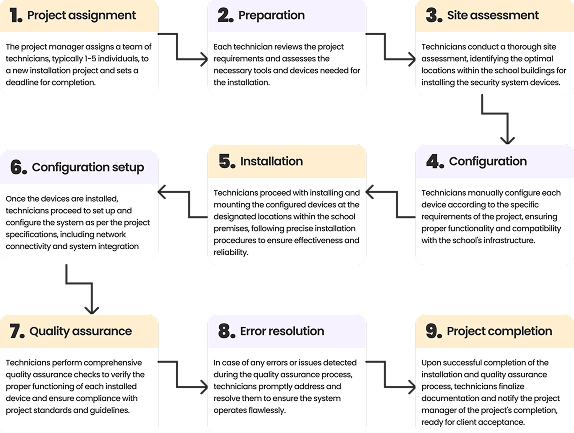
Understanding the technicians' end-to-end workflow was the foundation for every product decision. By mapping each stage of the installation process, I identified bottlenecks, redundancies and moments of friction - turning operational insights into a clear product roadmap for the MVP.
Problem Statement
Field technicians need a centralized, mobile-first solution that eliminates communication gaps, provides real-time access to installation resources and enforces quality standards - enabling faster, more consistent deployments across schools.
Solution
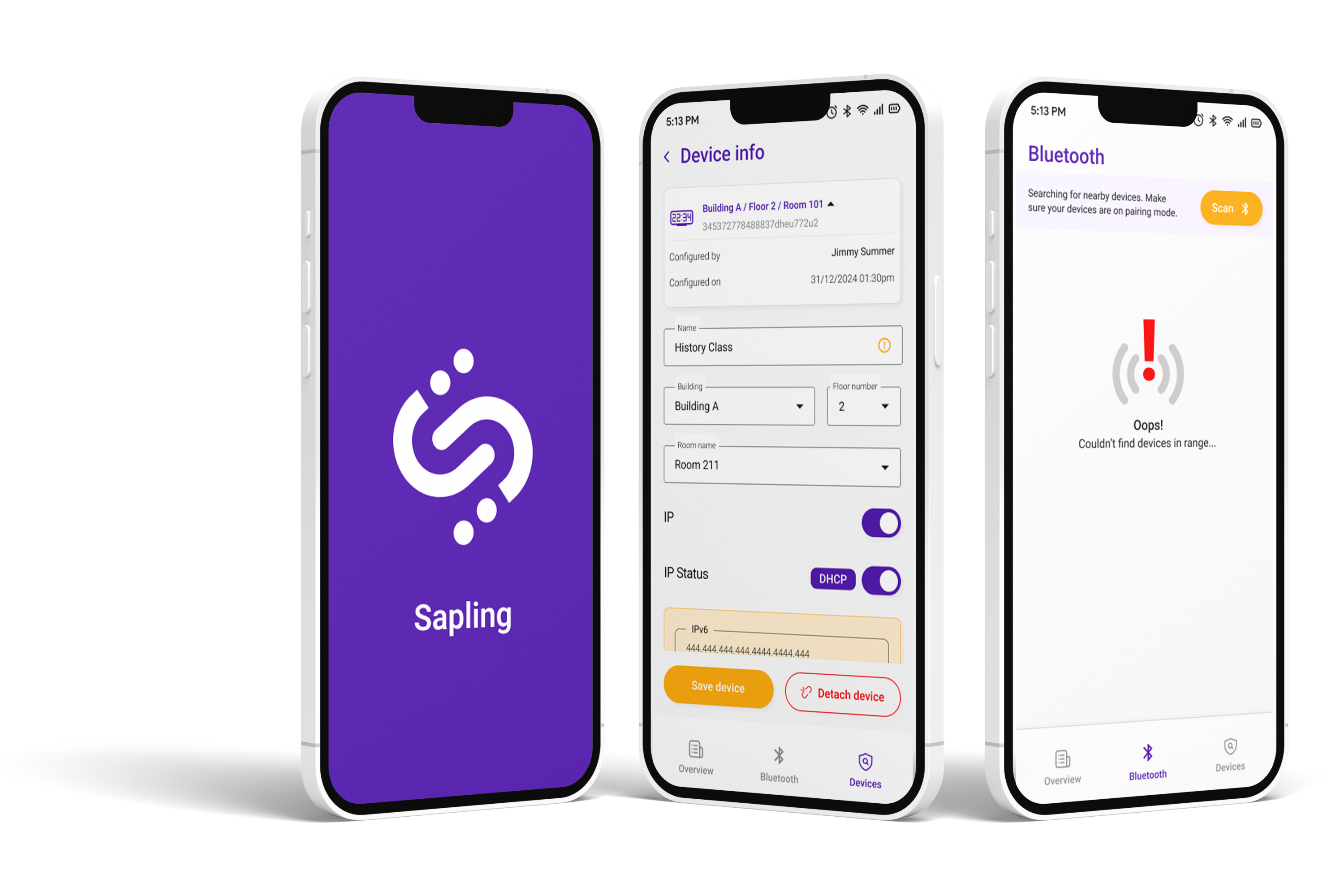
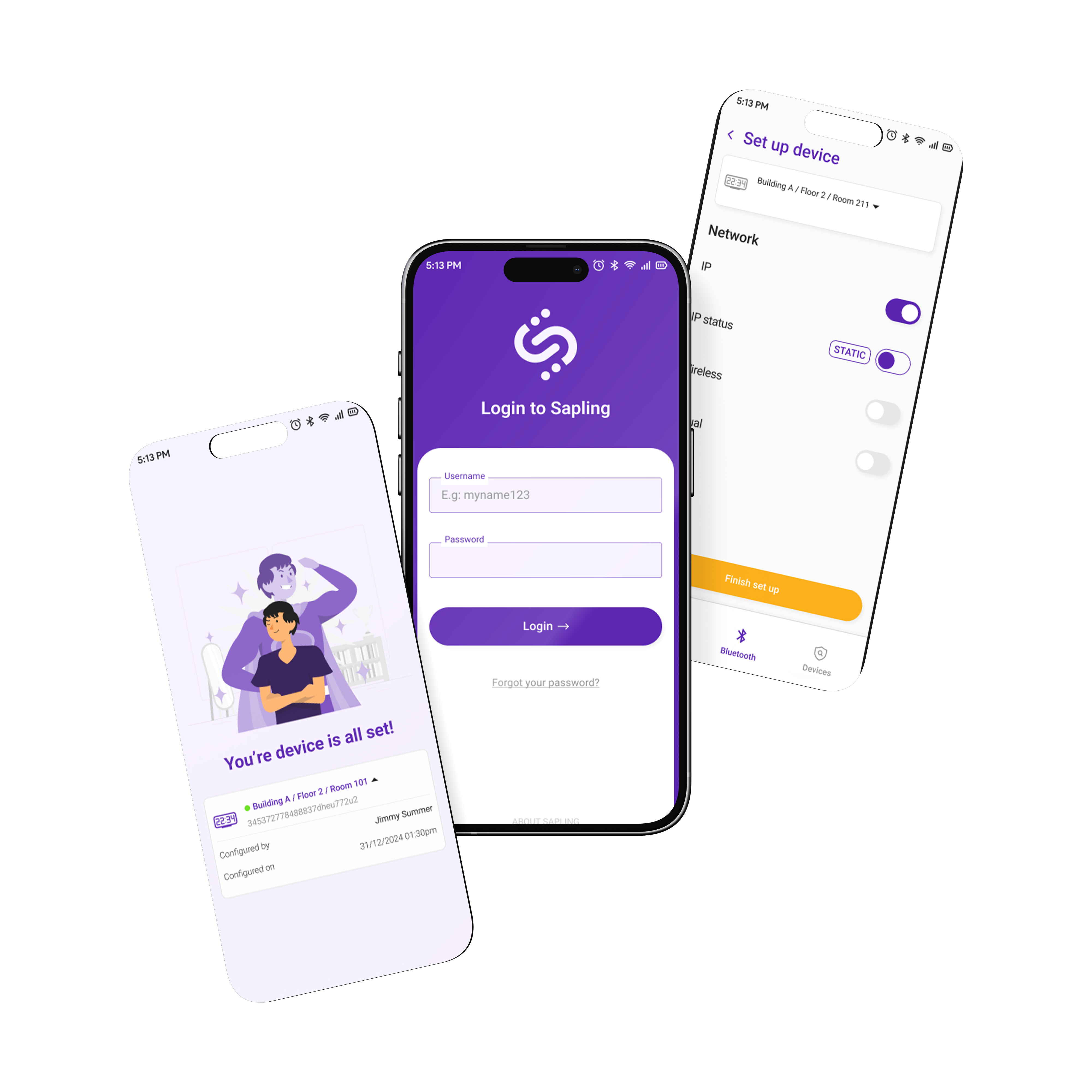
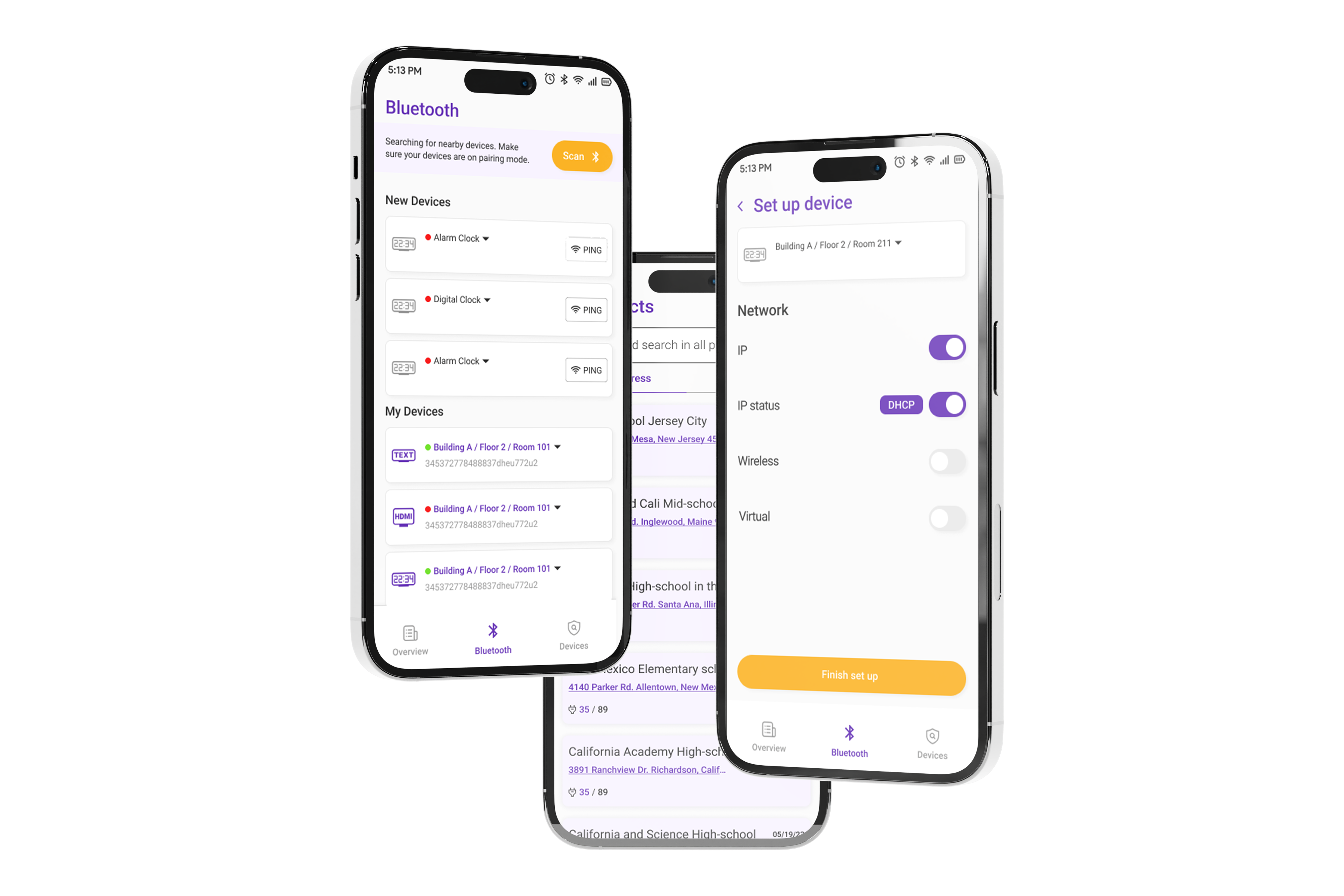
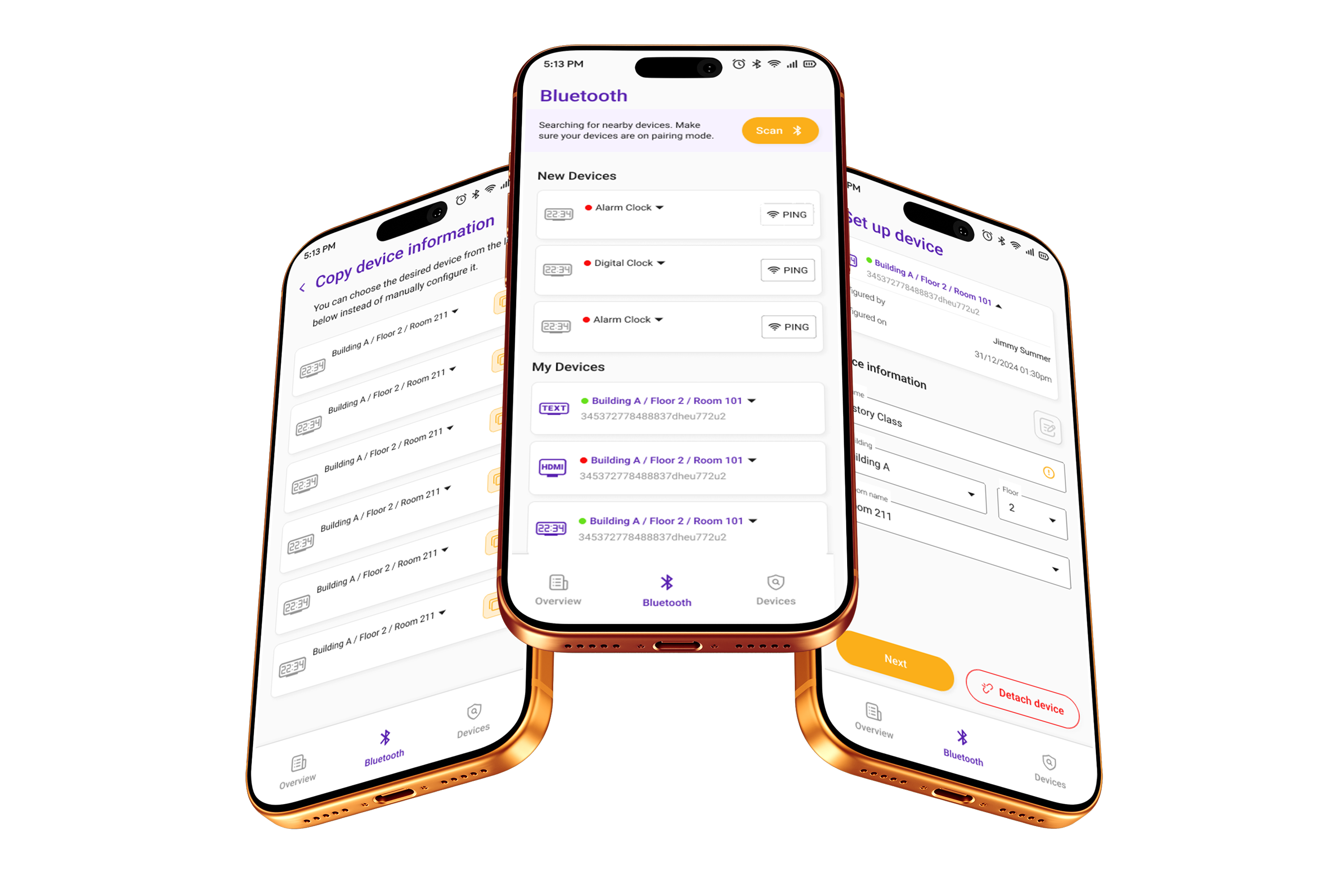
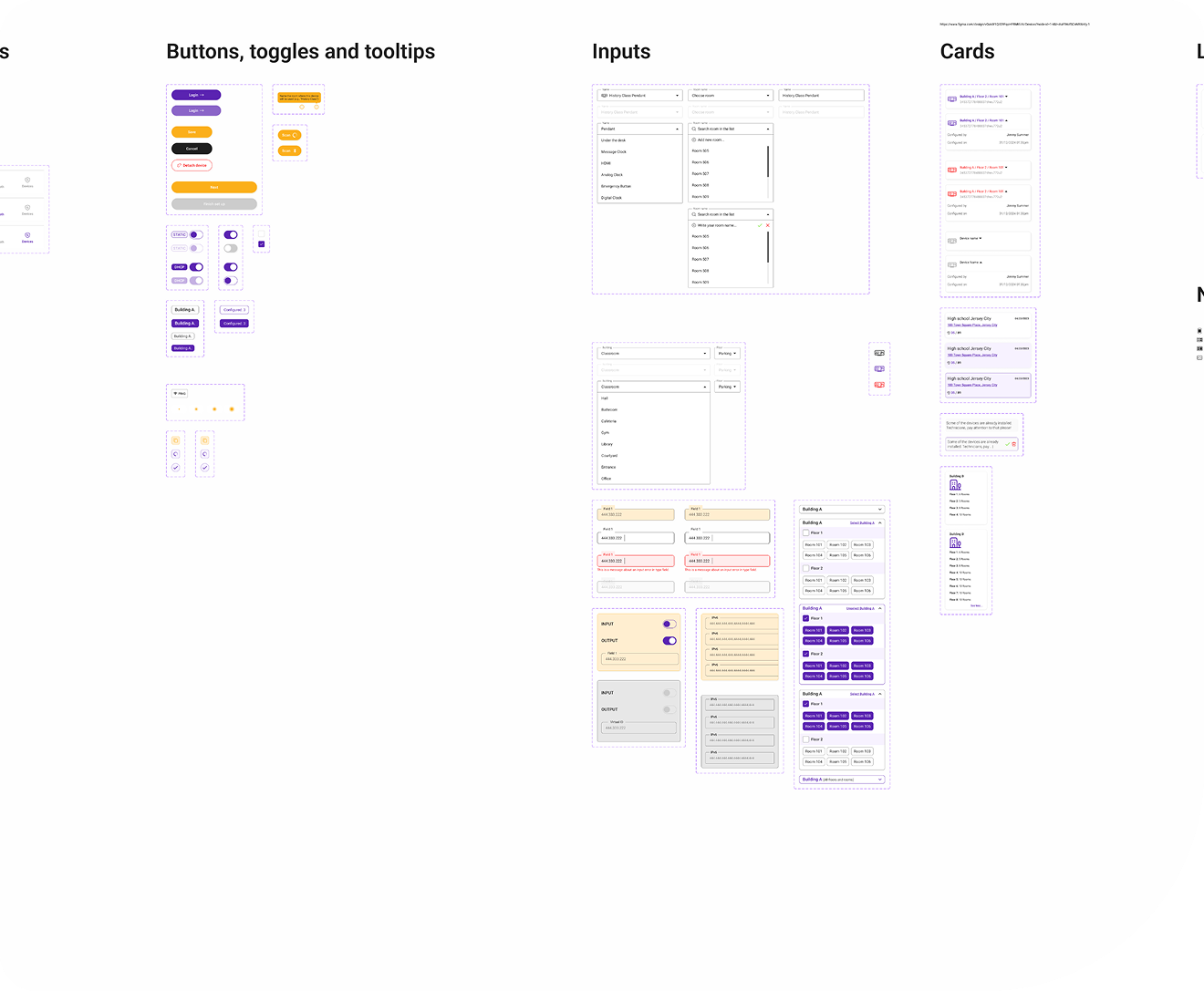
I refined and completed the MVP mobile app design, building on the earlier designer's work and audit findings. Every screen was shaped by direct technician insights - ensuring the app matched real field conditions and supported fast, reliable deployments.
User Testing
I defined the usability tasks, success metrics and study framework for the project. The study execution was then led by another designer, ensuring a comprehensive evaluation while I continued contributing to design iterations informed by the findings.
Participants: 7 technicians, ages 24–45.
Methodology: Remote, unmoderated usability study - participants completed core tasks on a high-fidelity prototype in 10–15 minute sessions across the US.
Core Tasks:
- Locate and review the latest installation guidelines for an emergency device.
- Add a new device to an active project and verify its status.
- Diagnose a reported device issue and apply the appropriate resolution.
- Locate the project manager and leave a comment.
Success Metrics:
- Task success rate - percentage of participants completing each task.
- Error rate - number of errors encountered per task.
- System Usability Scale (SUS) - overall usability rating post-study.
Impact
More Projects